Remove Image Backgrounds Instantly
Upload your image and get instant transparent background
Click to Upload Image
PNG or JPG (Max 5MB)
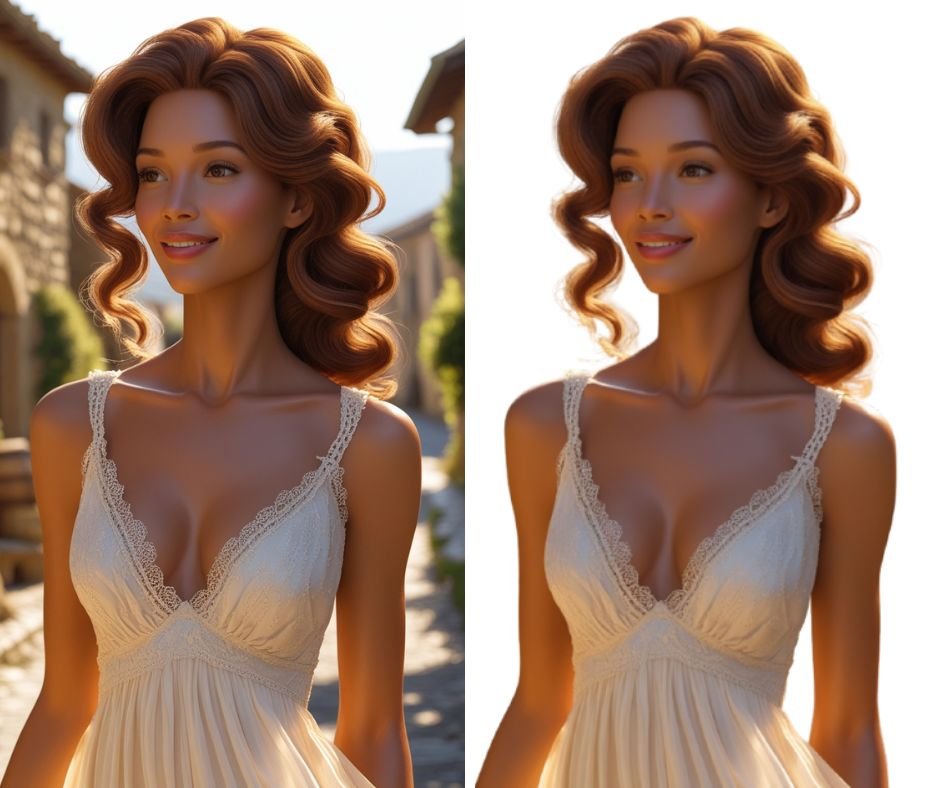
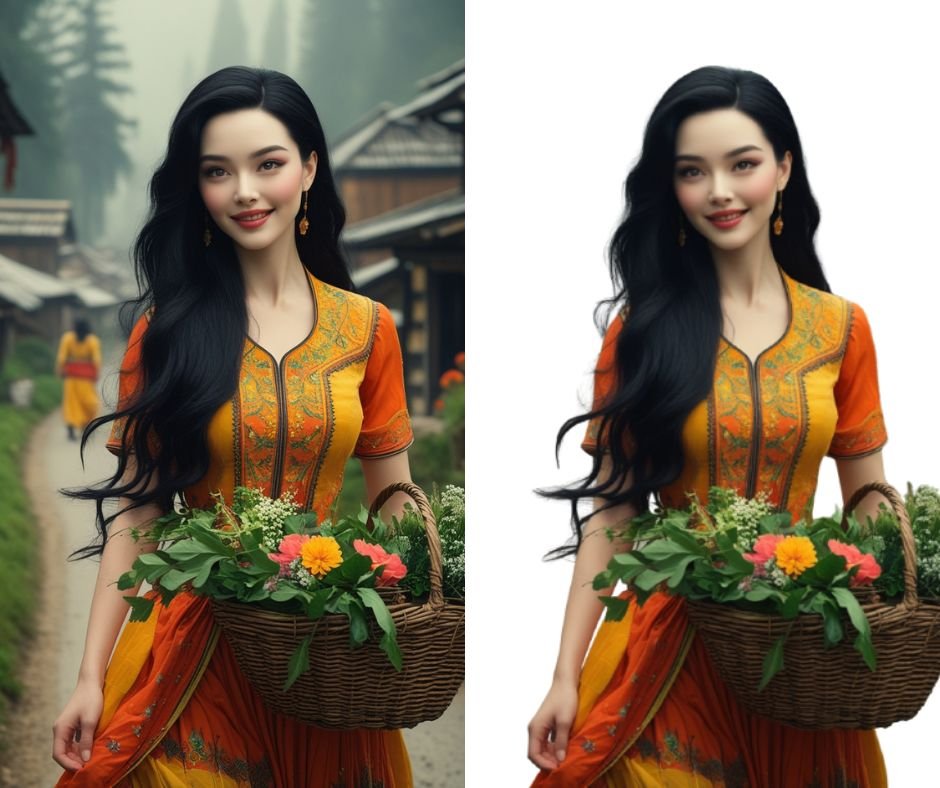
BG Remove: Transform Your Images in Seconds
Remove backgrounds from images instantly with the BG Remove Tool. Preserve quality, download PNGs for free, and enhance your visual content. Perfect for e-commerce, designers, and social media.
What is BG Remove Tool?
BG Remove is an AI-powered web tool that automatically removes backgrounds from images while preserving original quality. Ideal for:
- E-commerce product listings
- Social media content creators
- Graphic designers
- Marketing materials
- Photography enthusiasts
- Remove image background
- Transparent background tool
- AI background remover
Key Features BG Remove Tool✨
- One-Click Background Removal
Upload and process images in seconds using advanced AI algorithms. - Lossless Quality
Maintain original image resolution (supports PNG, JPEG, WebP). - No Software Required
Fully web-based – works on all devices (PC, mobile, tablet). - Commercial Use Ready
Create professional product cutouts for websites or print materials.
How to Use BG Remove Tool: Step-by-Step 🔍
- Visit BG Remove
- Upload Image
Drag-and-drop or click to select (max 5MB, 4000px) - Auto-Processing
Our AI detects and removes background in 2-5 seconds - Preview & Download
Save high-quality PNG with a transparent background
Pro Tip: Use compressed JPGs for faster uploads without quality loss.
Why Choose BG Remove Tool? 🏆
- SEO Advantage: Improve website performance with optimized product images
- E-commerce Ready: Create Amazon/FBA-compliant product cutouts
- Social Media Magic: Make Instagram-worthy transparent logos and graphics
- Time Saver: 10x faster than manual Photoshop editing
SEO Benefits for Content Creators 📈
- Faster Page Speed
Optimized images improve Google Core Web Vitals scores - Enhanced Visual SEO
Use clean product cutouts with keyword-rich filenames (e.g.,blue-dress-transparent-background.png) - Pinterest Optimization
Create pinnable images with transparent backgrounds - Alt Text Optimization
Pair processed images with descriptive alt text:
Example: “Red sneakers isolated on transparent background”
Best Practices ✅
- File Formats
- Use PNG for transparent logos/product images
- Choose JPG for smaller file sizes
- Image Sizing
- Resize images before uploading (recommended: 2000px width)
- Batch Processing
- Process up to 50 images/hour with our premium plan
FAQ ❓
Q: Is BG Remove Tool free?
A: Yes! Free for up to 10 images/month. Premium plans start at $9/mo.
Q: How does it compare to Photoshop?
A: 90% faster with comparable quality – no manual brushing required.
Q: Can I edit group photos?
A: Our AI automatically detects multiple subjects.
Q: Do you store my images?
A: All files are deleted from our servers after 24 hours.
Start Removing Backgrounds Now! 🚀
Transform your images in 3 clicks:
- Go to BG Remove
- Upload your photo
- Download studio-quality result
Perfect for: Amazon sellers ∙ Instagram influencers ∙ Small businesses ∙ Bloggers